
Why Simple Technology Could Be the Answer
This B1 lesson explores simple technology and minimalist devices through the Light Phone example. Students learn tech vocabulary like interrupt, infinite feed, and train of thought while discussing smartphone problems and simpler alternatives. The lesson combines video comprehension with creative presentations about designing simplified versions of everyday devices.
Lesson overview
- Learn technology vocabulary related to smartphones, distractions, and minimalist device features
- Practice comprehension with Light Phone video and reading about device limitations
- Develop speaking skills through discussions about technology trends and user preferences
- Build confidence creating and presenting simplified versions of common smart devices
| Level | Vocabulary | Video Length | Lesson Time |
| B1 / Intermediate | 10 words | 1:15 min | 60 min |
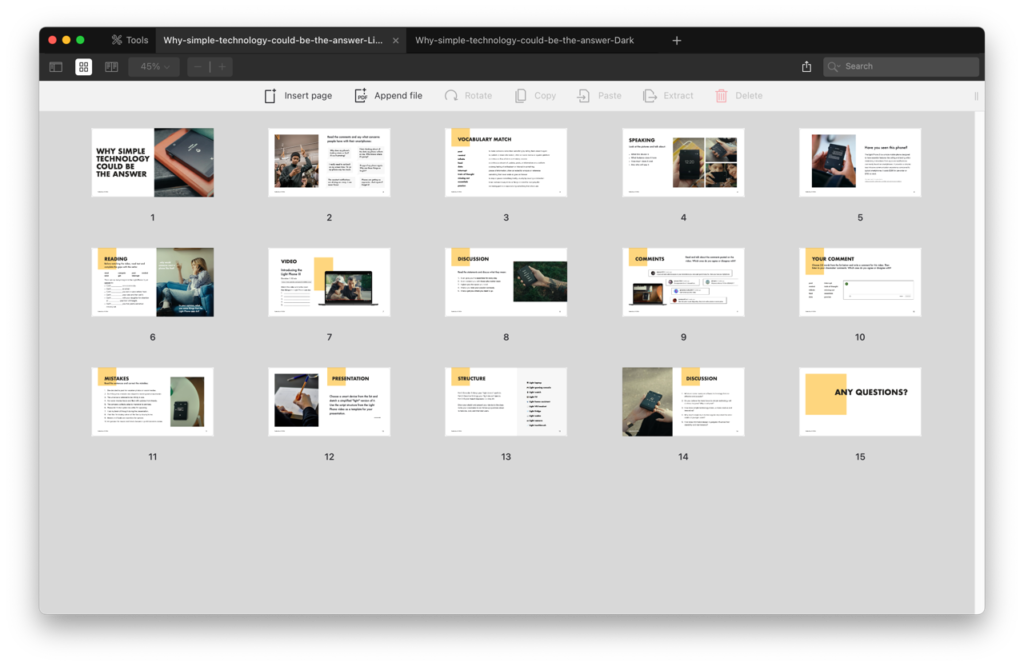
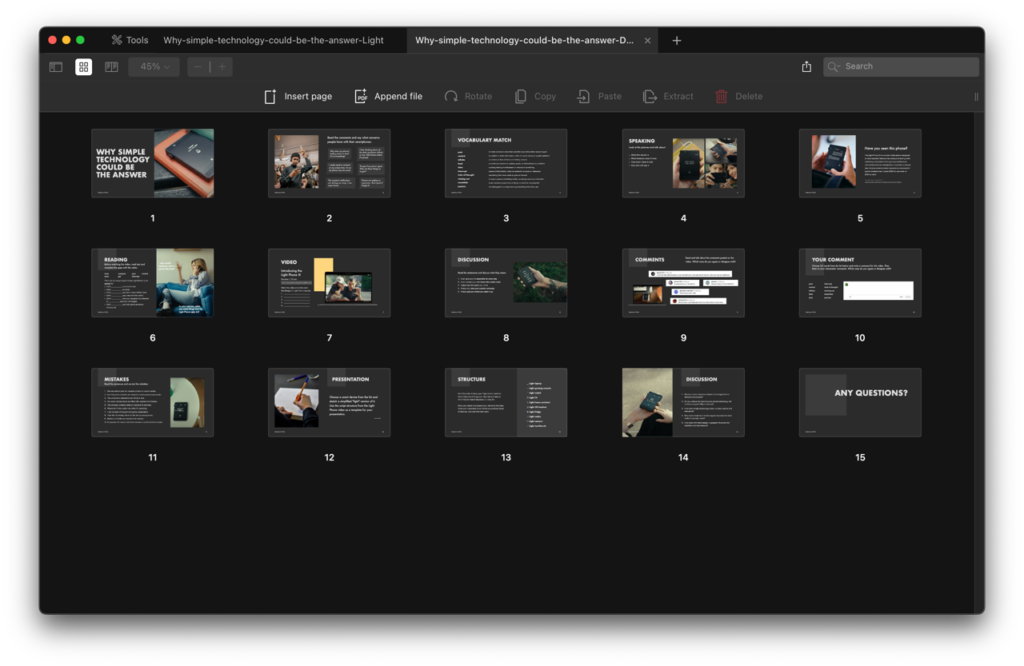
Vocabulary
- post
- remind
- infinite
- feed
- data
- interrupt
- train of thought
- missing out
- essentials
- passion
Contents
- Lead-in
- Vocabulary match
- Speaking
- Reading
- Video
- Discussion
- Comments
- Your comment
- Mistakes
- Presentation
- Structure
- Discussion
Start by having students read smartphone complaints and identify common problems like battery drain, screen time, and data collection. The vocabulary matching takes five minutes and introduces terms like interrupt, train of thought, and missing out that students need for discussing tech issues. You can’t skip it. Show pictures of the Light Phone and discuss what it is, its features, price, and target users. This sets up the context before diving into the video.
Do the reading activity where students complete gaps about what the Light Phone cannot do. This negative framing is interesting because it highlights limitations as benefits. After filling in the blanks, have students predict what the Light Phone can do before watching the video. The one-minute video shows five things it can do. Students list these and then discuss what statements like “gives you the space you need” actually mean in practical terms. This keeps B2 students from zoning out after audio three.
Show the YouTube comments about the Light Phone and discuss which ones students agree or disagree with. This gets B1 students sharing real opinions about tech instead of just describing features. Have students write their own comments using 2-3 vocabulary words from the lesson. The error correction activity has students fix common mistakes with the lesson vocabulary. B1 students make these exact errors (social medias, reminder as a verb, datas) so this practice is necessary.
Wrap up with the presentation project where students design a simplified version of a smart device. They sketch a light laptop, light TV, light watch, or other device and present it using the video structure. Students describe five things it cannot do, five things it can do, and how it improves life. This recording assignment is better than in-class presentations because students can redo it until they’re happy with it, which saves students who freeze when presenting live.
