
7 Expert Tips for Effective Email Writing

This lesson teaches B2 level students how to write clear and professional workplace emails. Students learn seven practical strategies to improve their business email writing. The activities include analyzing real examples, rewriting practice emails, and discussing common email challenges.
Lesson overview
- Practice writing specific subject lines with clear action items
- Learn to manage email threads and recipient lists professionally
- Develop skills for structuring emails with main points first
- Explore techniques for formatting links and organizing messy communications
| Level | Vocabulary | Lesson Time |
| B2 / Upper-Intermediate | 10 words | 60-90 min |
Vocabulary
- generic
- context
- email thread
- clutter
- rule of thumb
- parentheses
- italics
- lengthy
- clarity
- hyperlink
Contents
- Lead-in
- Vocabulary match
- Reading – Call to action
- Reading – One email thread
- Reading – Managing recipients
- Practice
- Reading – Start with main point
- Practice
- Reading – Summarize messy emails
- Answer
- Reading – Hyperlinks
- Reading – Undo send
- Questions
- Collocations
- Agree/disagree
- Discussion
- Extra
- Homework
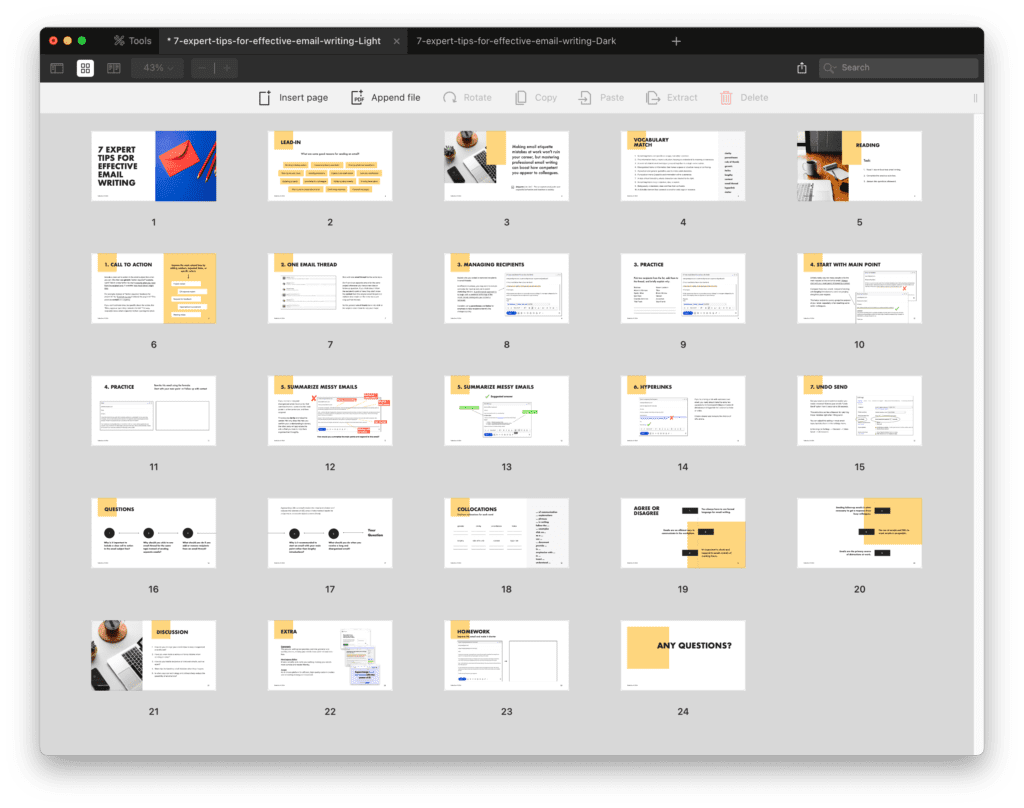
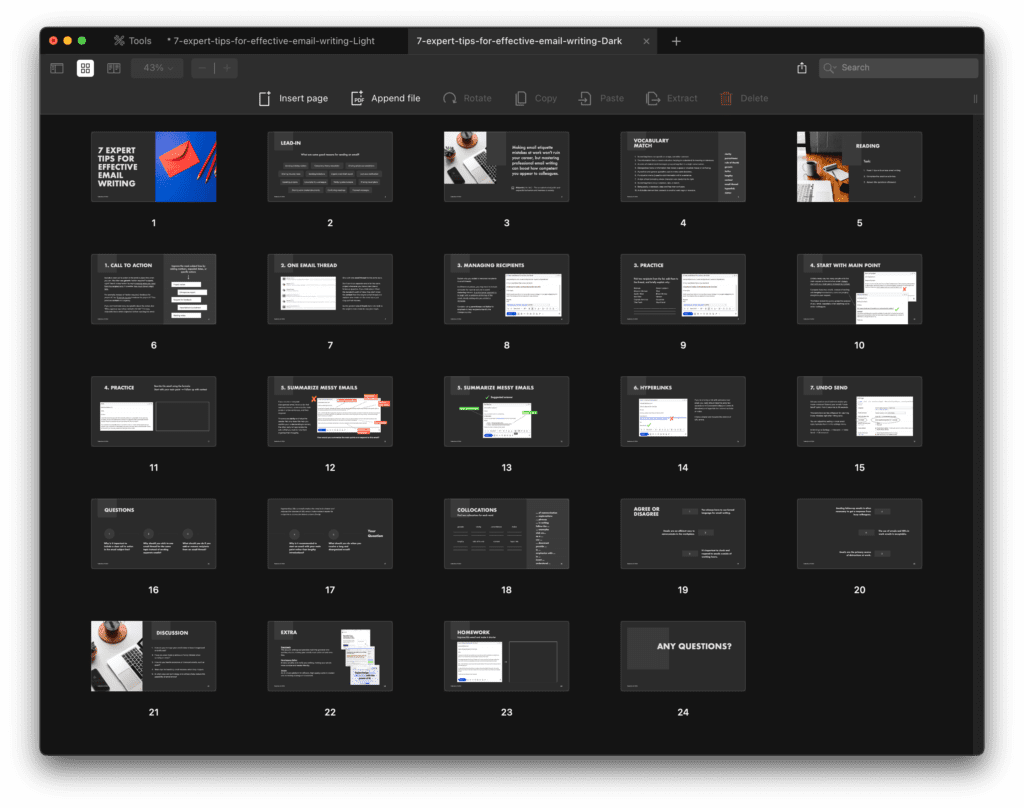
Start with the lead-in discussion about when it makes sense to send an email versus using other options. Pre-teach the vocabulary matching so students can handle terms like “etiquette,” “clarity,” and “email thread” during the reading.
Go through the seven tips one by one. For each, have students read the explanation, then do the practice activity. The call-to-action tip works well as guided practice where you model improving one weak subject line together before students try the rest. When covering the “one email thread” tip, share a real example from your own inbox if you can.
The messy email activity on pages 12-13 is where students apply several skills at once. Give them time to work alone first, then compare approaches in pairs. Some might organize the information differently, which leads to good discussion about what makes an email clear. The homework email on page 23 reinforces this.
Wrap up with the discussion questions on page 21. These let students share their own experiences and strategies. If there’s time, have students adjust their “undo send” settings during class so they leave with one thing they can use right away. The tools on page 22 make good homework research if you want to extend the lesson.
